Free AI PDF Editors in 2026: Which Workflow Fits Your Document?
Compare UnoPDF, Adobe Acrobat, iLovePDF, Smallpdf and Sejda by editing workflow, AI, OCR and object-level transparency—not just feature count.

Start with the job, not the longest feature list
One user needs to sign a form. Another needs to correct existing text. A third needs OCR for a scan. A fourth wants one prompt to update repeated language across 40 pages.
Those are different workflows, and a product can be excellent at one without being the best fit for the others.
This comparison was reviewed on 30 July 2026 using public vendor documentation. Features, plan limits and regional availability change; verify the linked product pages before purchasing.
Workflow comparison
| Product | Existing text | OCR | AI workflow | Notable fit |
|---|---|---|---|---|
| UnoPDF | Yes, with conservative structural export for supported blocks | Yes, consent-based | Review-first rewrite, replace, translate, summarize and document questions | Browser-first editing plus visible object targets |
| Adobe Acrobat | Yes | Yes | AI Assistant supports chat-driven PDF actions, including find and replace in current rollout | Mature desktop/web suite and broad PDF tooling |
| iLovePDF | Publicly documents direct text editing and added elements | Yes | AI translation and summarization are publicly listed | Large collection of straightforward PDF utilities |
| Smallpdf | Editing, conversion and OCR workflows | Yes | AI PDF assistant for document questions and related tasks | Simple web utility experience |
| Sejda | Publicly documents existing-text editing and find/replace | OCR with published free limits | No equivalent broad AI editing workflow found on the editor page reviewed | Focused online editor and short-term access options |
“Not found” is not the same as “impossible.” It means the specific workflow was not clearly described on the public page reviewed.
Adobe Acrobat
Adobe offers one of the broadest PDF suites. Its public documentation describes editing text and images, OCR, redaction, forms, conversion and an AI Assistant. Adobe’s 2026 documentation also lists chat-driven actions such as delete, find and replace, OCR, organizing pages and multi-tool workflows, with availability varying by plan and rollout.
Choose Acrobat when you want a mature desktop ecosystem, enterprise familiarity or specialized tools beyond a browser editor. Check Adobe’s current AI action documentation.
iLovePDF
iLovePDF combines many task-specific web tools. Its current public editor describes modifying or adding text, uploading images and annotating. A 2026 product article describes more advanced direct editing, form fields, attachments and certificate-related features.
Choose it when you want a familiar toolbox for conversion, organization, OCR and common edits. Review the current iLovePDF editor and plan limits for your region.
Smallpdf
Smallpdf emphasizes a clean web workflow across editing, conversion, OCR, signing and AI document assistance. Its documentation recommends OCR or conversion when a PDF is not directly editable.
Choose it when ease of use and a broad set of common web tools matter more than inspecting the page’s native object model. See the current Smallpdf AI PDF Assistant.
Sejda
Sejda’s public editor explicitly lists editing existing text, changing formatting, adding images, form fields, annotations and find/replace. It also labels whiteout accurately as covering page content with a white rectangle.
Choose it for focused browser editing and clearly documented text/form tools. See the Sejda PDF Editor.
Where UnoPDF is intentionally different
UnoPDF is built around two related ideas:
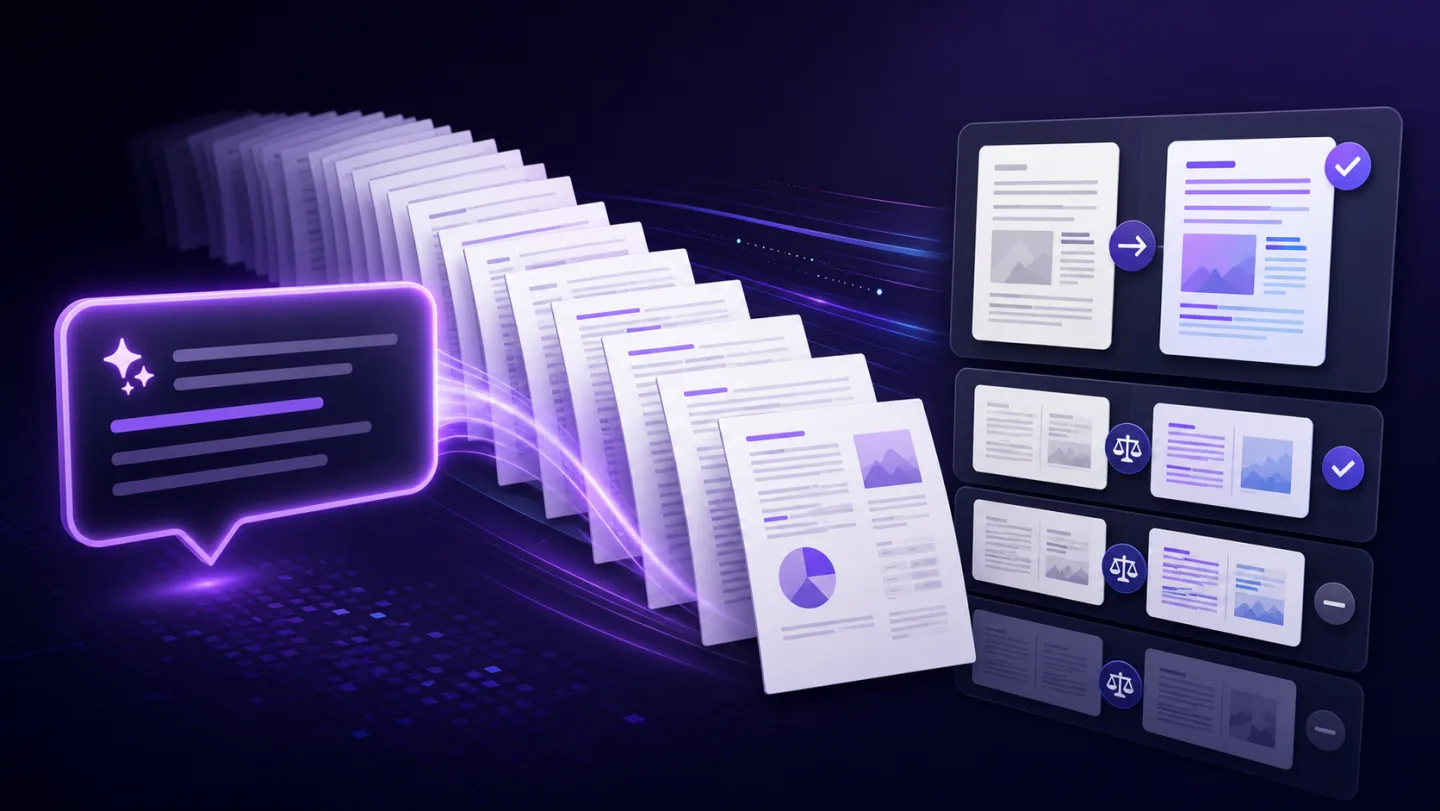
- describe a multi-page text outcome in a prompt and review exact proposed blocks;
- distinguish text, raster images, vector groups, QR patterns and table bands when the PDF exposes them.
For supported files, the structural workflow can remove a selected native object or simple text block instead of presenting a white cover as universal deletion. Unsupported or ambiguous structures should remain explicit.
UnoPDF is a stronger fit when you want a browser-first manual editor, reviewable whole-document AI changes and visible structural targets. It is not yet a replacement for every mature enterprise feature in Acrobat.
Questions to ask before choosing
- Can the product change existing text or only add new text?
- Does a scan receive OCR before AI editing?
- Are AI changes shown before application?
- Does “remove” mean object removal, whiteout or redaction?
- What happens to uploaded files for the specific tool used?
- Are free export, file-size and page limits visible before work starts?
- Can you buy short-term access without an automatic renewal?
For a more conversion-focused feature and pricing overview, see Best Free PDF Editor 2026. To evaluate UnoPDF with your own non-sensitive sample, open the editor.
Open UnoPDF and start with the change you need.