AI PDF EditingJuly 30, 2026
25 AI Prompts for Editing PDFs Across One Page or an Entire Document
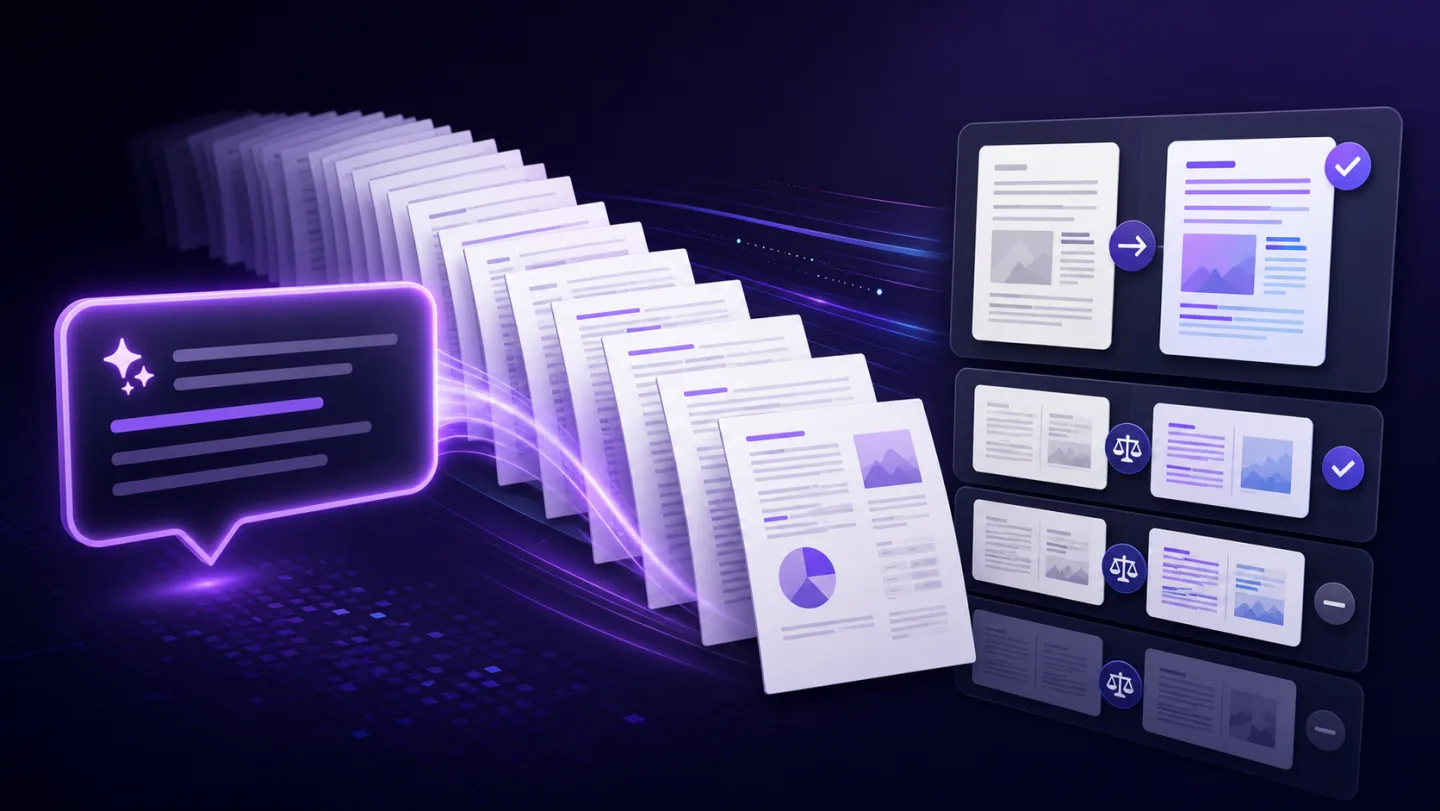
The strongest PDF prompt defines the exact outcome, the protected content and the review step.
UNO PDF EDITORIAL
Guides for AI PDF editing, document workflows, text layers, vector objects, OCR and choosing a PDF editor without guesswork.
Search the guidesFEATURED GUIDE
AI PDF Editing · 6 min readAI can make repetitive PDF work much faster, but the safest workflow keeps every change reviewable.
Read the guide
LATEST
The strongest PDF prompt defines the exact outcome, the protected content and the review step.

Batch PDF editing saves time only when the same precise rule applies to every file and exceptions remain visible.

Invoice pages combine text, tables, vector backgrounds and images. Change one target and verify everything around it.
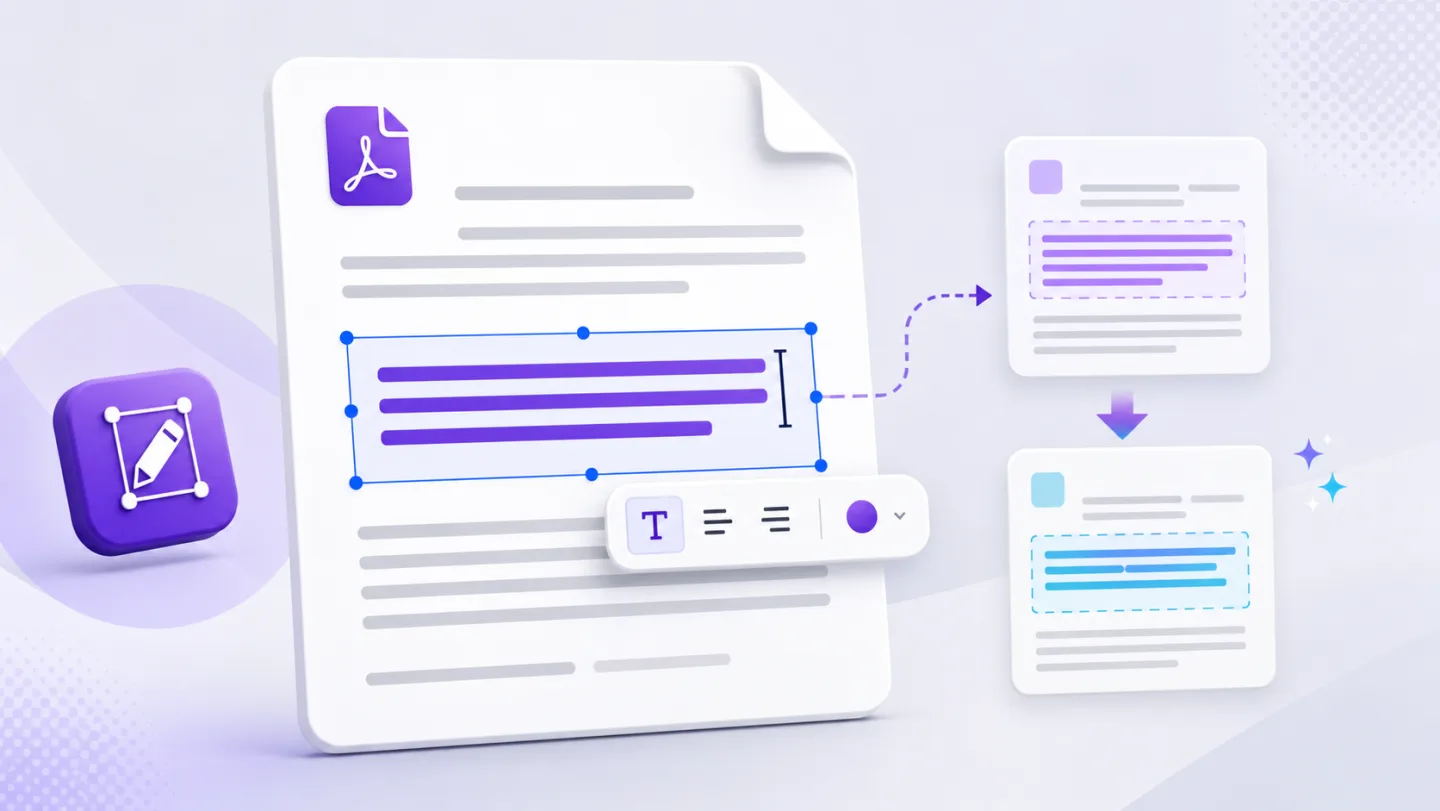
A free PDF editor should help you change the text that is already there—not quietly place a second text box over it.

The right editor depends on whether you need annotation, direct text editing, OCR, AI assistance or structural object work.

The best PDF editor is not the one with the longest feature list. It is the one that makes the type of change you need clear and reviewable.

“Online editor” does not explain where processing happens. The meaningful question is which action sends which data to which service.
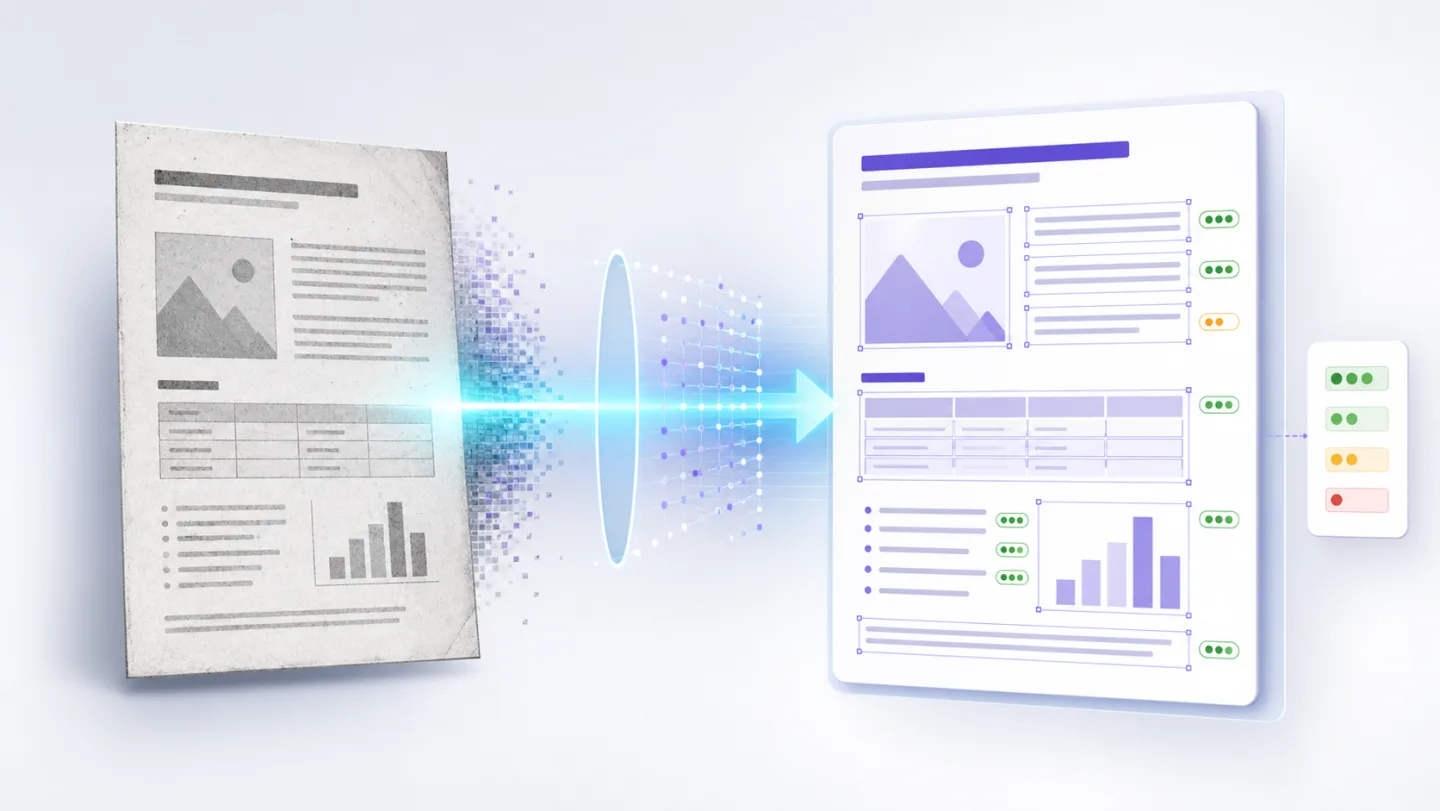
OCR can recover searchable text from a scan, but recognition quality depends on the source—and every important field needs review.
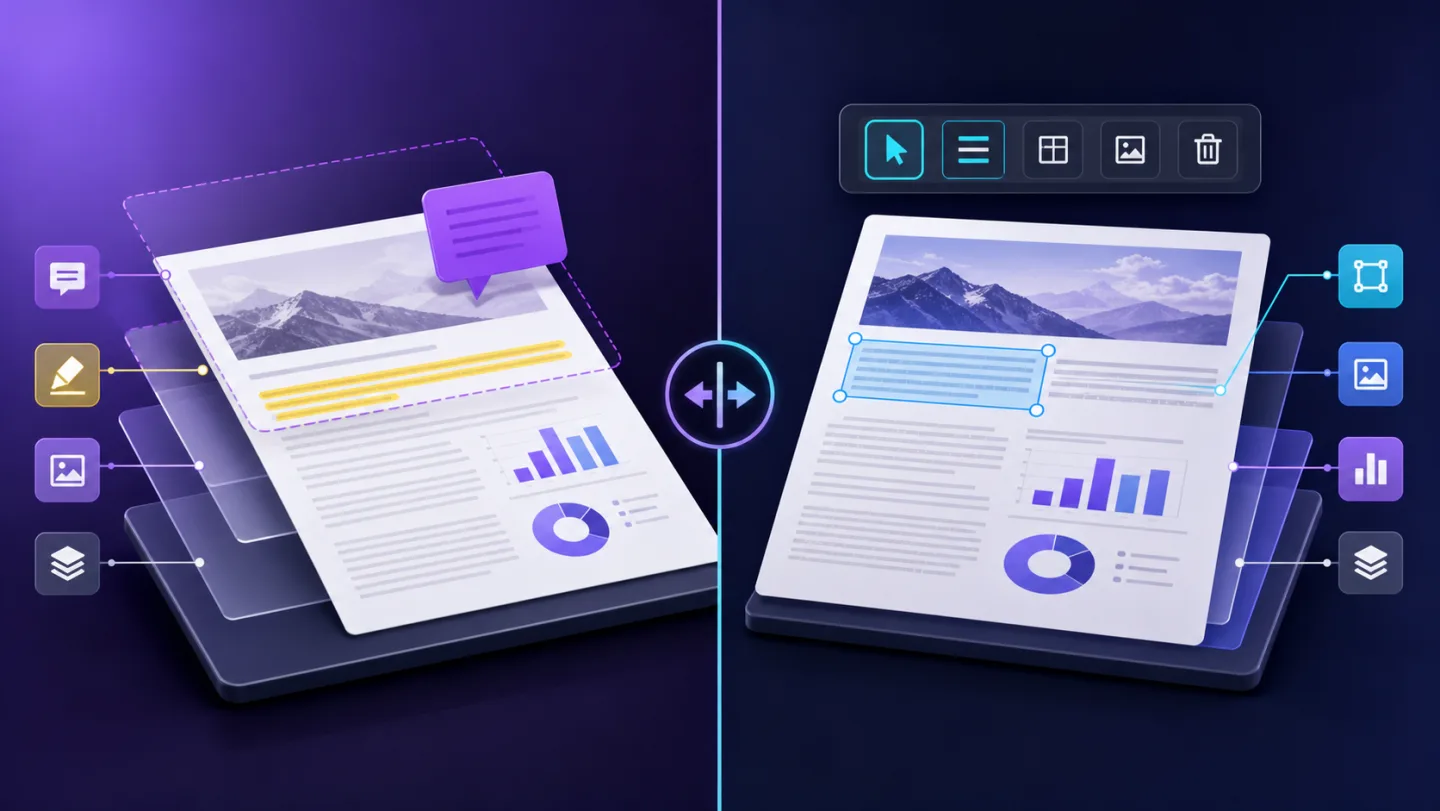
Annotations are real and useful, but they are new layers. Editing changes content that already exists in the PDF.

A logo, QR code, grey table band and sentence can look similar on a PDF page but require completely different editing methods.

A white rectangle can hide a logo on screen while leaving the original object inside the PDF. Structural removal is a different operation.
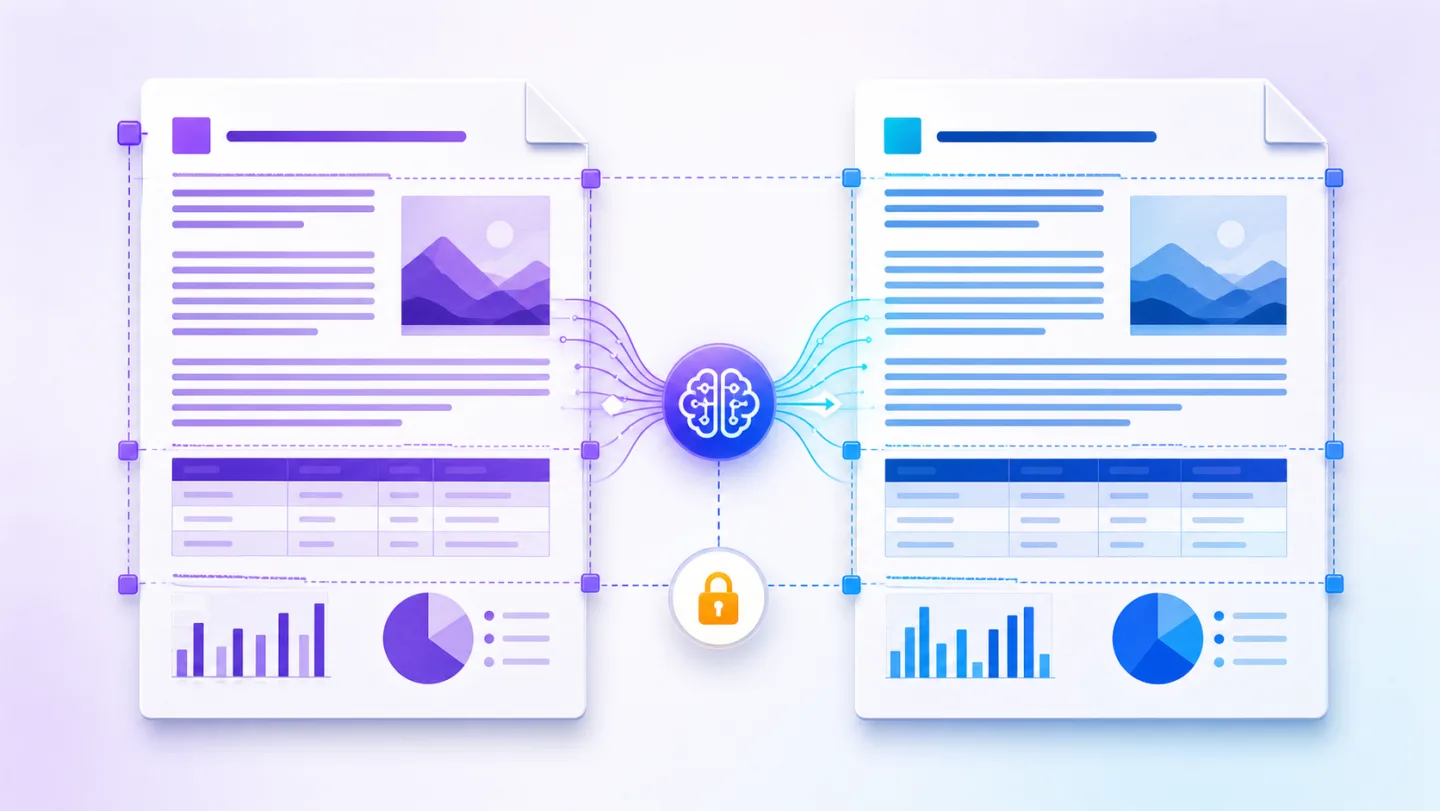
Translation can preserve the page structure only when every changed text block is checked against the space available.