How to Choose an Online PDF Editor Without Losing Control of Your Document
A checklist for choosing an online PDF editor: real text editing, object awareness, review steps, privacy clarity, export quality and transparent pricing.
Start with the exact change you need
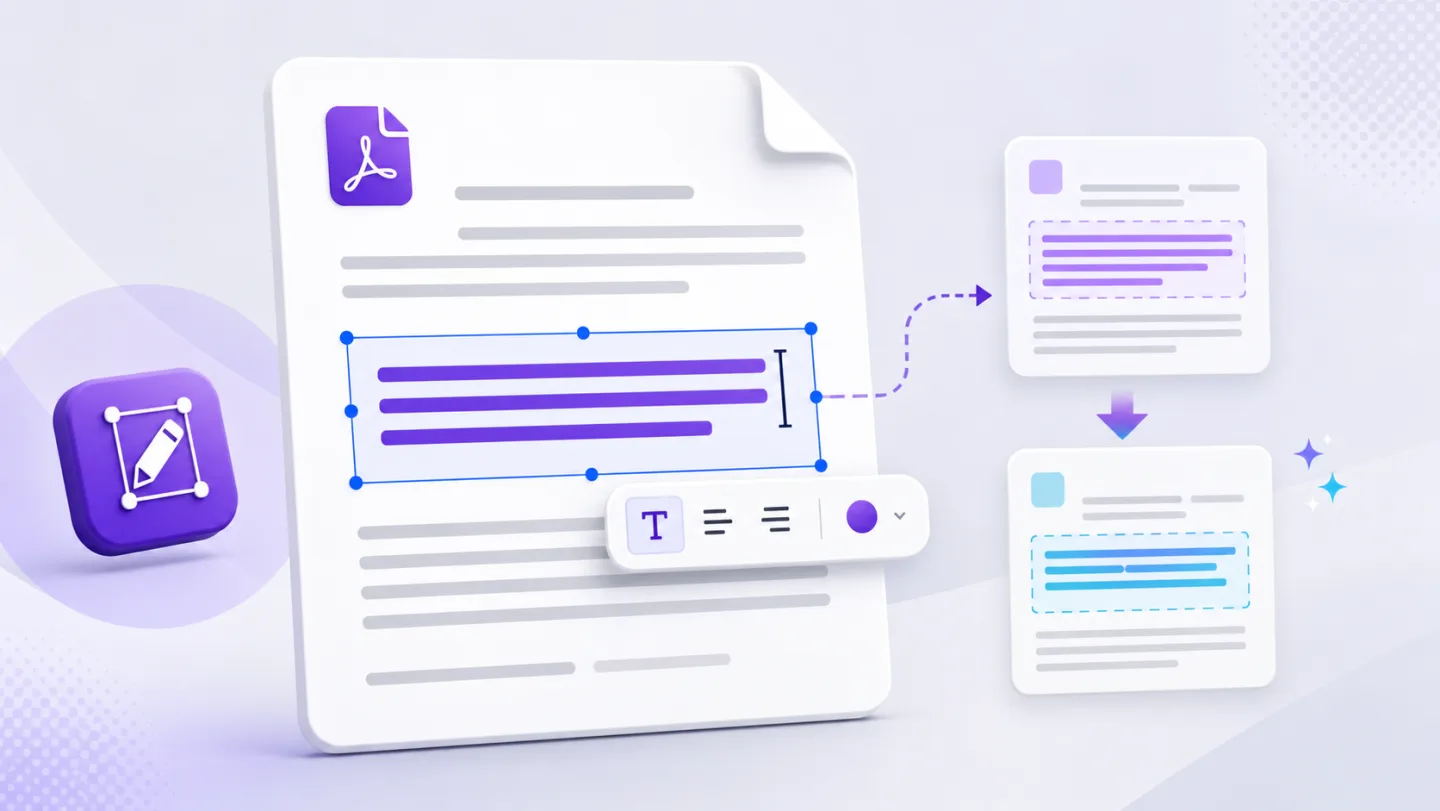
Do you need to add a note, replace existing text, remove a logo, rearrange pages, sign a form, translate a document or process a scan? These are different workflows. A tool that adds text on top of a page may be enough for one job and misleading for another.
Check whether the editor explains its method
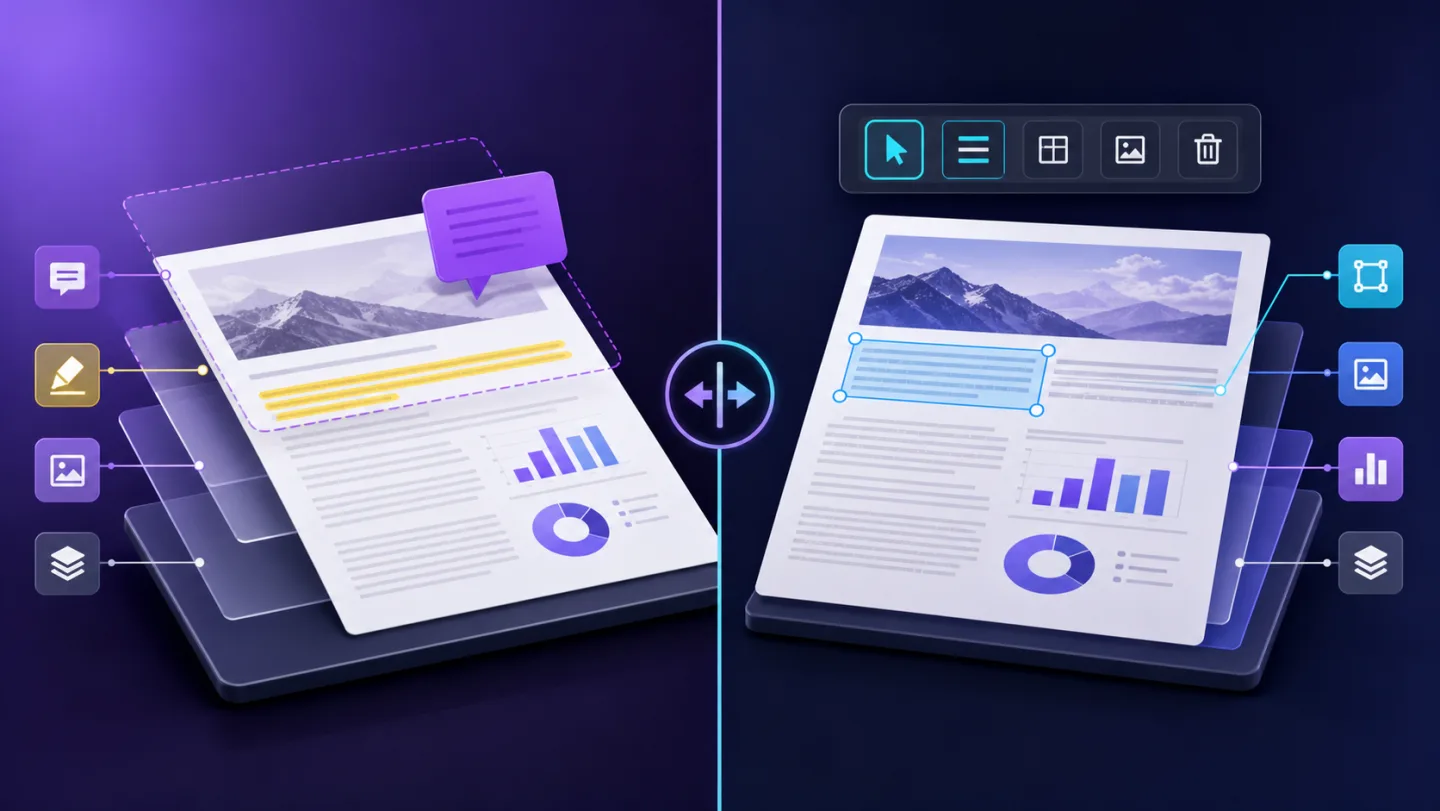
An editor should distinguish a visible cover from the removal of a source object. It should also tell you whether text is selected from a native text layer or recognised with OCR. Clear limits are a sign of a product that can be trusted with important work.
Review before export
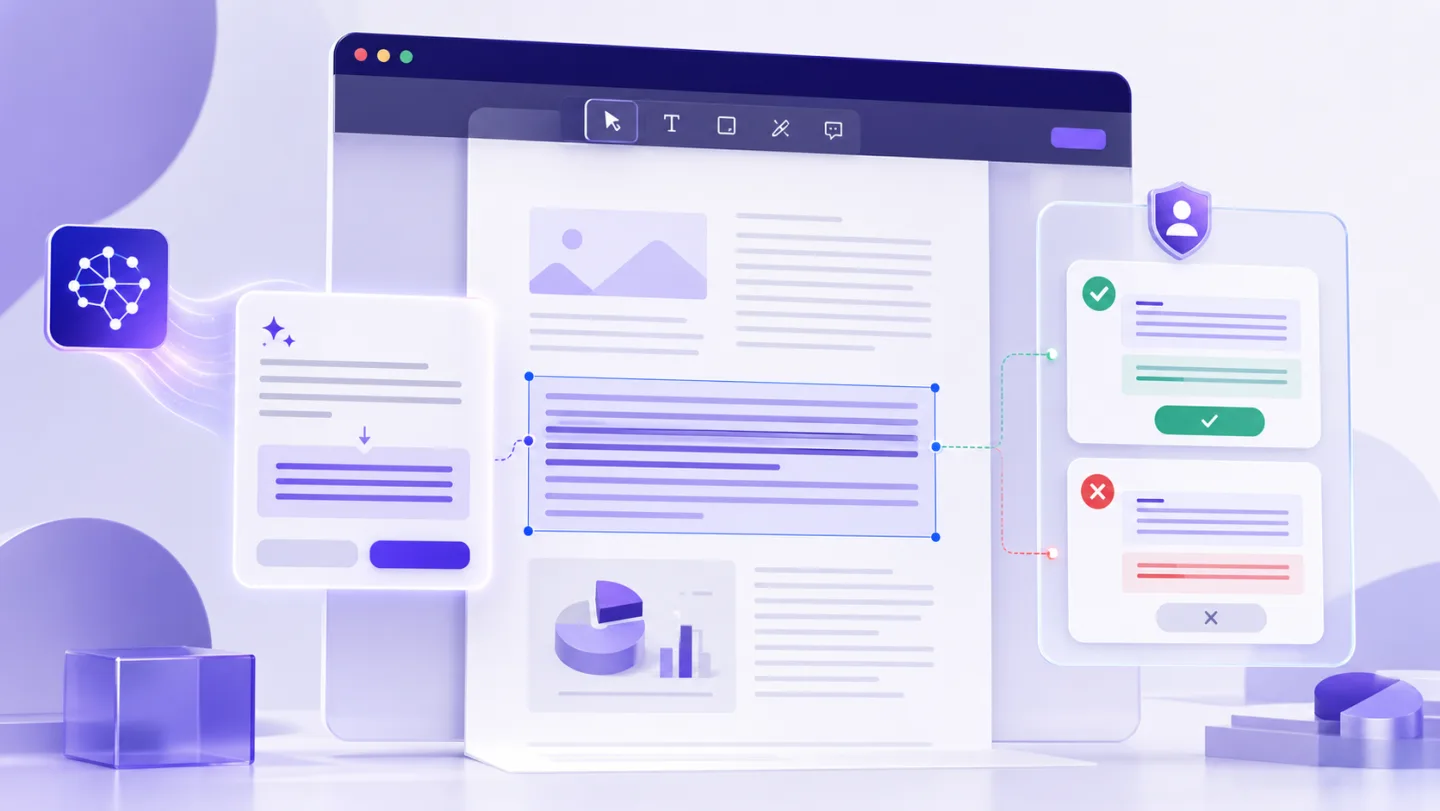
The right interface makes the original and proposed change easy to compare. It should let you undo a specific edit, restore an object and export a new copy without losing the source document.
Consider the whole workflow
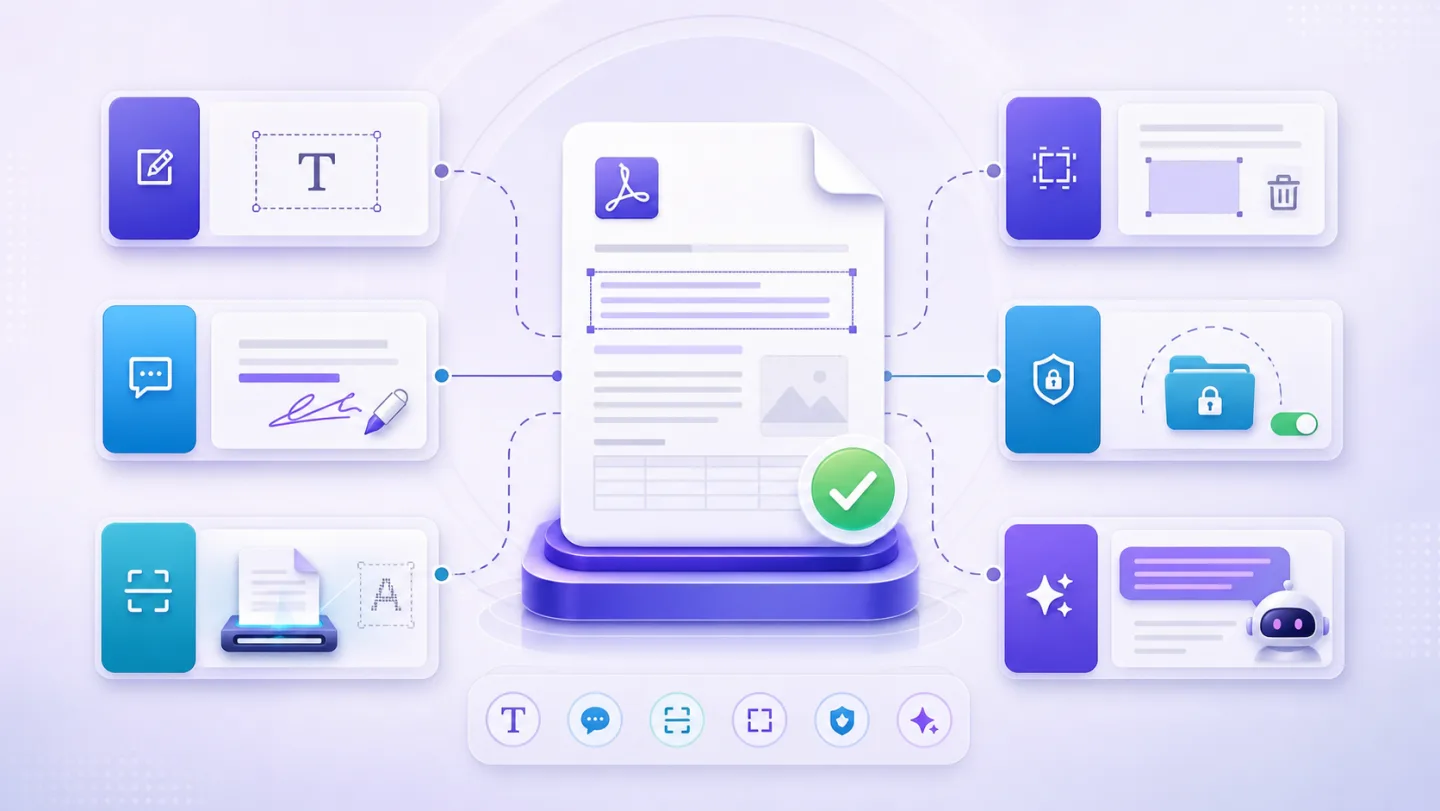
For recurring work, look beyond the first edit. Useful capabilities include OCR for scans, find and replace, reusable workflows, batch processing, signing and a clear account area for billing and settings.
Use price as context, not the only decision
Free tools can be excellent for occasional work. A paid plan should make its added value concrete: less repetitive editing, larger jobs, automation, reviewable AI assistance or specialist workflows. Avoid services that hide renewal terms or blur the difference between a one-time pass and a subscription.
A short checklist
- Can I see and undo each change?
- Does it support my kind of PDF, not just a generic sample?
- Are text, images and vectors treated honestly?
- Is pricing and renewal information clear?
- Can I export a new copy and keep the original?
Open UnoPDF and start with the change you need.